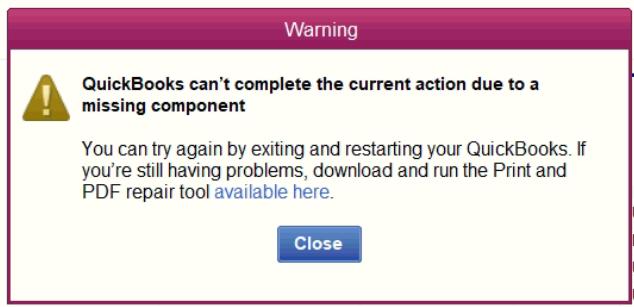
We had this issue where telling a report to Print would not pop up a window anymore, and printing to a PDF would give the error message in the title.
The fix was to delete this file (the exact folder will change with your version of Quickbooks):
C:\ProgramData\Intuit\QuickBooks 2024\QBprint.qbp
We did not even have to restart Quickbooks for this to fix it. I created a batch file so they could do it on demand.
In our case, we made a batch file so it could be deleted easily with a desktop shortcut:
Copy to Clipboard
@echo off
del "C:\ProgramData\Intuit\QuickBooks Enterprise Solutions 24.0\QBPRINT.QBP"
echo.
echo Done! Try again
timeout 3